Easily connect controls to Flight Simulator and build your dream cockpit setup.
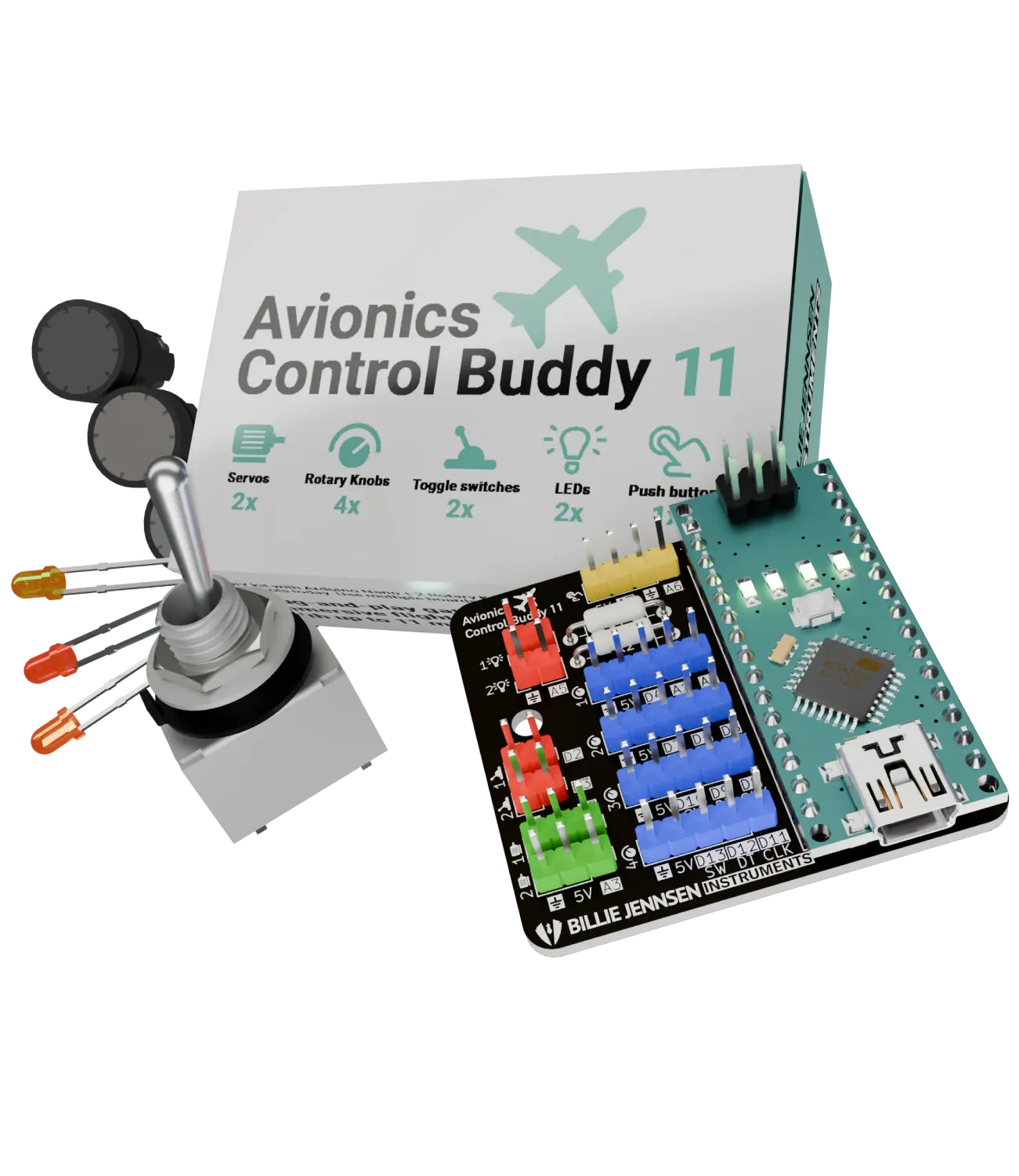
Avionics Control Buddy 11 makes it easy to connect physical rotary encoders, switches, push buttons, LEDs, and servos to your flight simulator setup using an Arduino Nano and the free MobiFlight Software.
PCB first batch works with Arduino Nano and free MobiFlight Software.
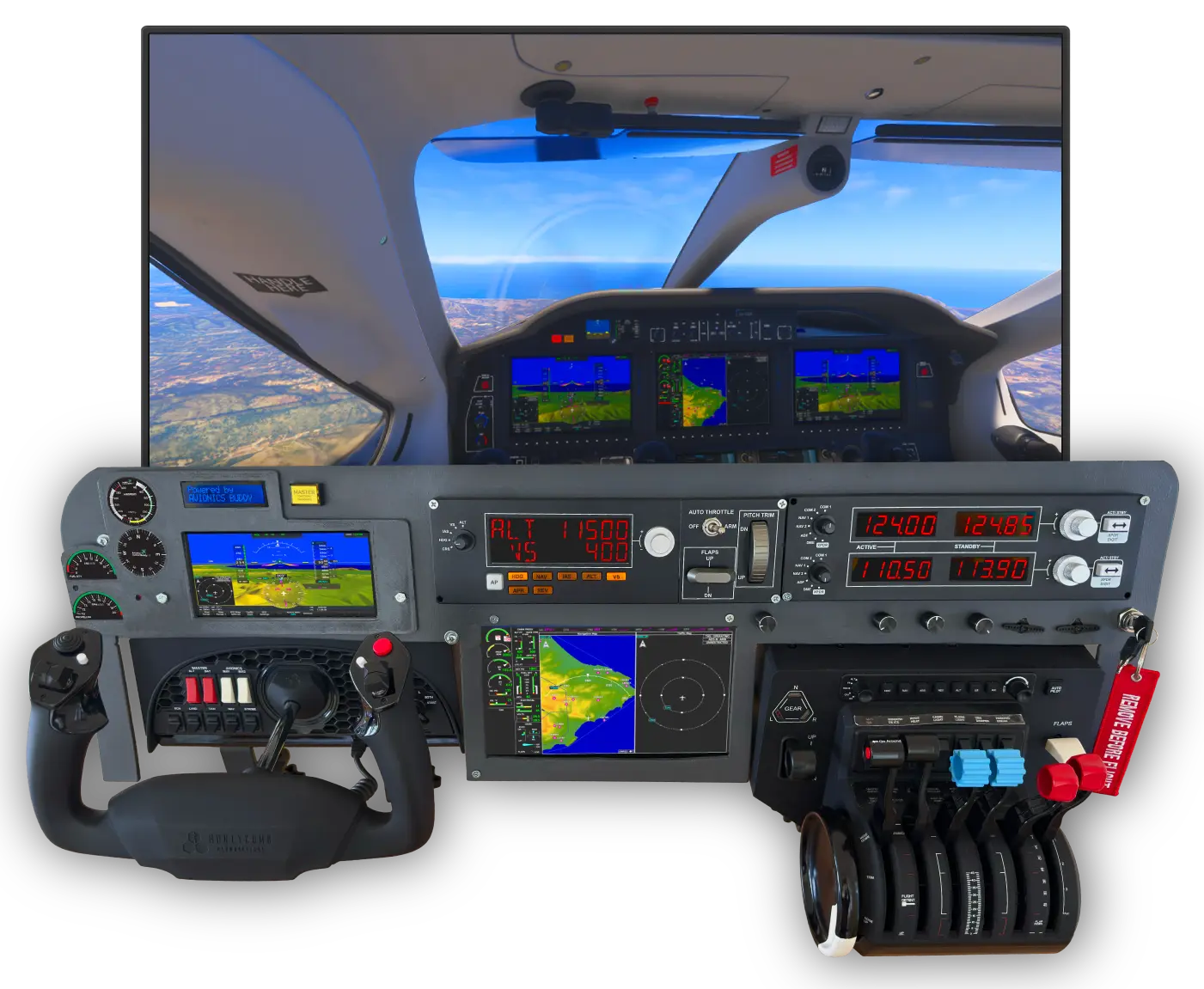
“The magic of flight simulation is immersing yourself — and exploring the world with intuitive controls.”
- Clean wiring
- No breadboard mess
- Easier learning
- Easier prototyping
- More realistic cockpit building
- Scalable with multiple boards via USB ports
Connect all the controls you need.
Each of the 11 connection channels of the Avionics Control Buddy 11 can be wired to common DIY cockpit modules and mapped in free open source MobiFlight Software.
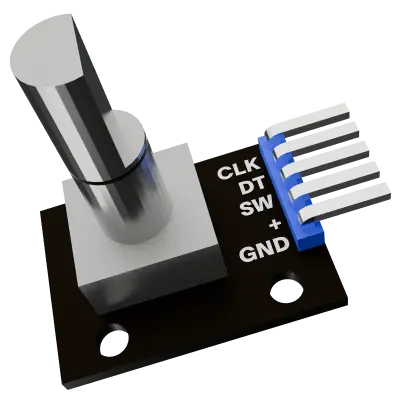
Rotary Encoders
For heading, altitude, radio frequencies, autopilot knobs, and other turn-based controls.
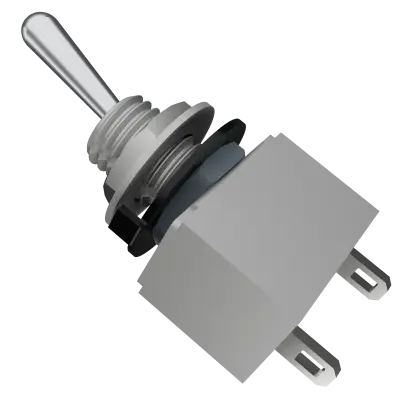
Toggle Switches
For battery, lights, fuel pump, avionics, parking brake, and other on/off functions.
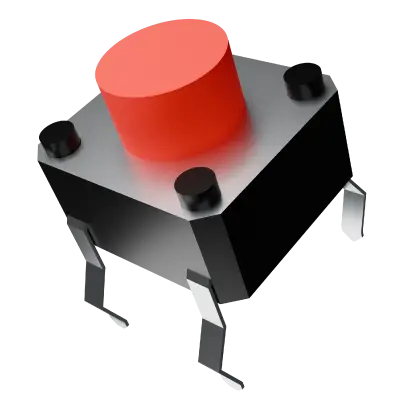
Push Buttons
For starter buttons, autopilot modes, checklist actions, and custom simulator commands.
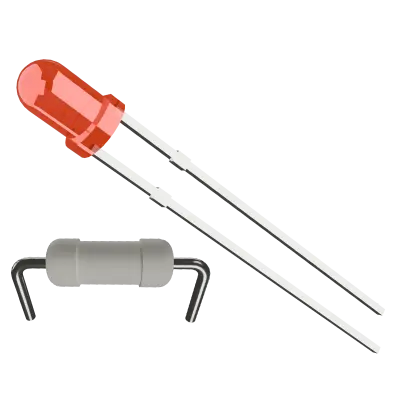
LEDs
For status indicators, warnings, gear lights, and custom cockpit feedback. Use suitable resistors.
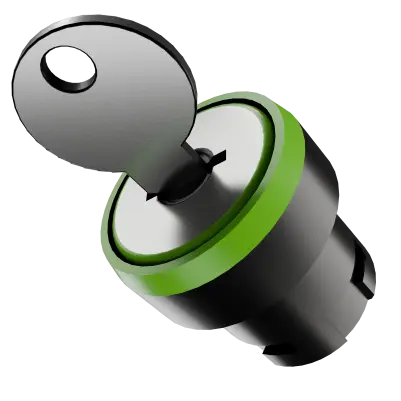
On/Off Key
For engine starter and custom simulator commands.
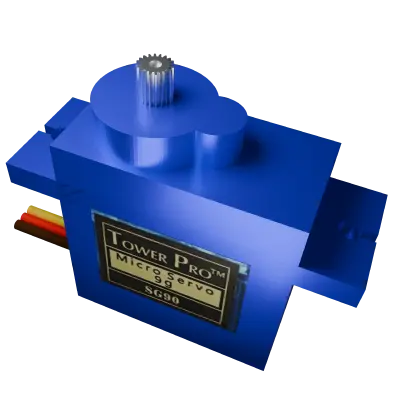
Servo Motor
For experimental gauges and moving indicators with external power.
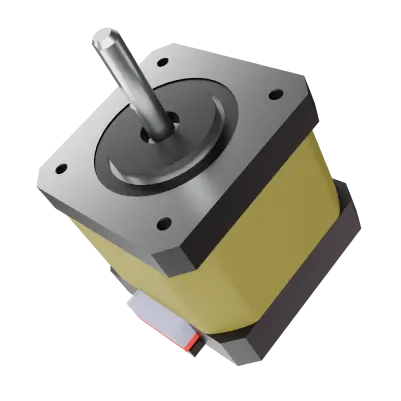
Stepper Motor
Create advanced custom analog gauges, such as airspeed and altitude indicators with external power.
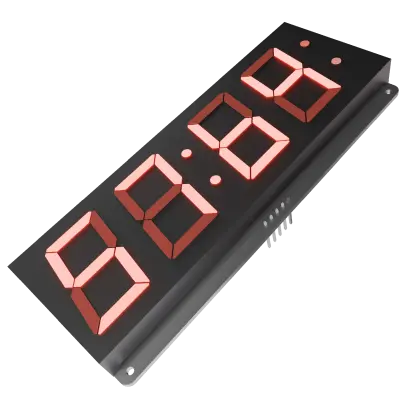
7-Segment Display
Show COM and NAV frequencies, HDG and SPD AP values and other numerical values.
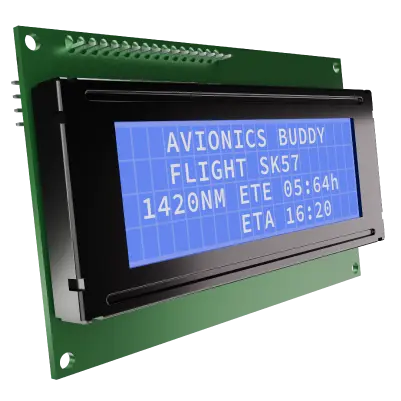
LCD
LCDs using a 1602 I²C driver board can show 20 characters per row, four rows.
A clean hardware bridge between Flight Simulator and your cockpit modules.
Avionics Control Buddy 11 is a modular breakout PCB for Arduino Nano based flight simulator panels. It helps you connect encoders, switches, buttons, LEDs, keys, and other compatible modules without turning your cockpit build into a wiring mess.








Build Your Style
Create full-size cockpit replicas, compact dashboards, portable panels, or hybrid layouts that mix authentic avionics with your own custom controls.
Made for Sim Builders
Built for flight simulation enthusiasts — from first-time hobbyists to advanced cockpit builders who want cleaner wiring and faster iteration.
Simple, Modular Hardware
A compact PCB that supports up to 11 simultaneous input or output modules while keeping your setup tidy and easier to expand.
It is not a standalone controller. An Arduino Nano and the free open source MobiFlight Software are required.
One cockpit demo build. Many ideas.
Start with a small panel, connect a few real controls, then grow your setup over time. Control Buddy 11 is made for builders who want to experiment, learn and slowly turn ideas into a more physical flight simulator cockpit.
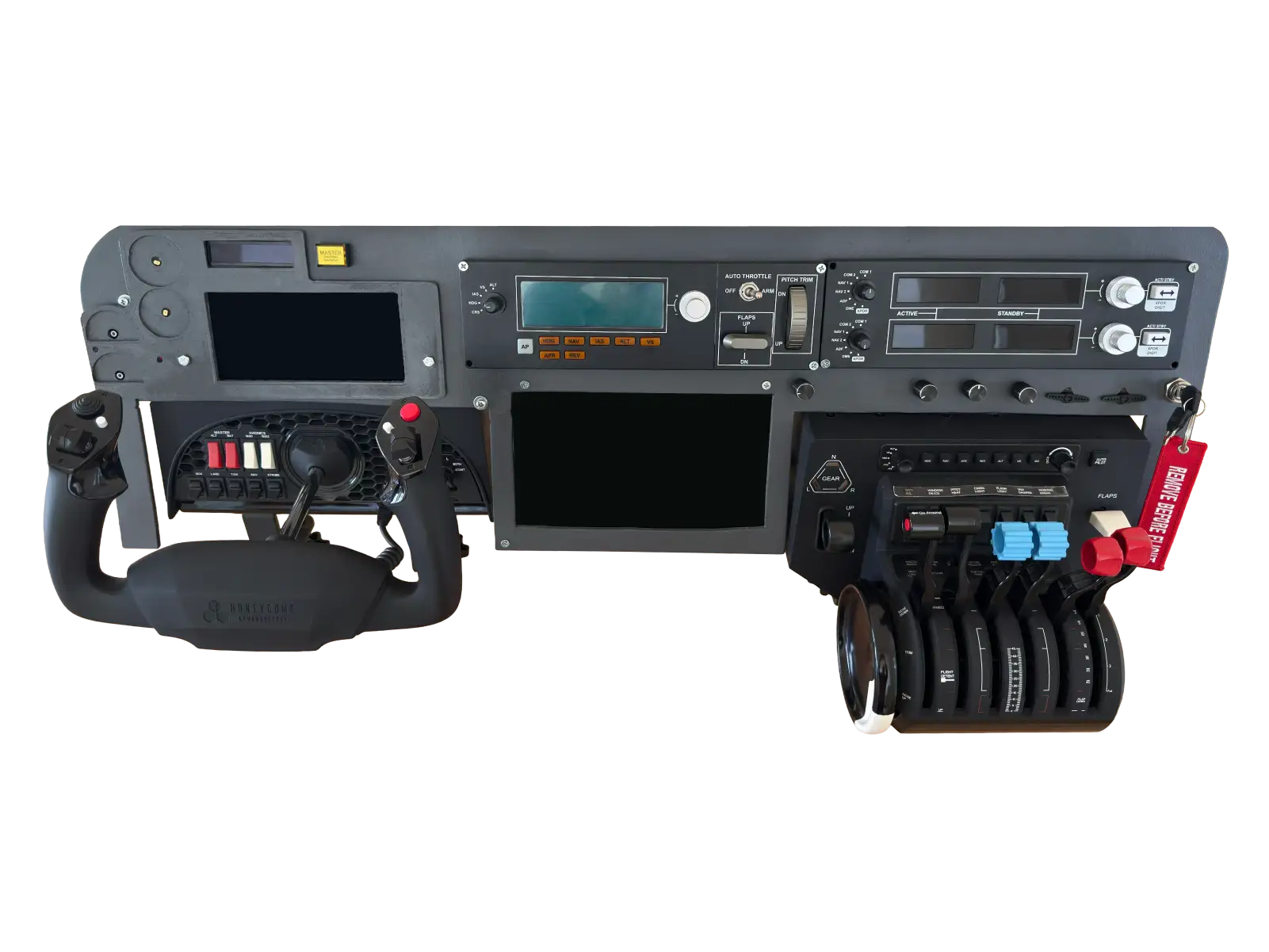
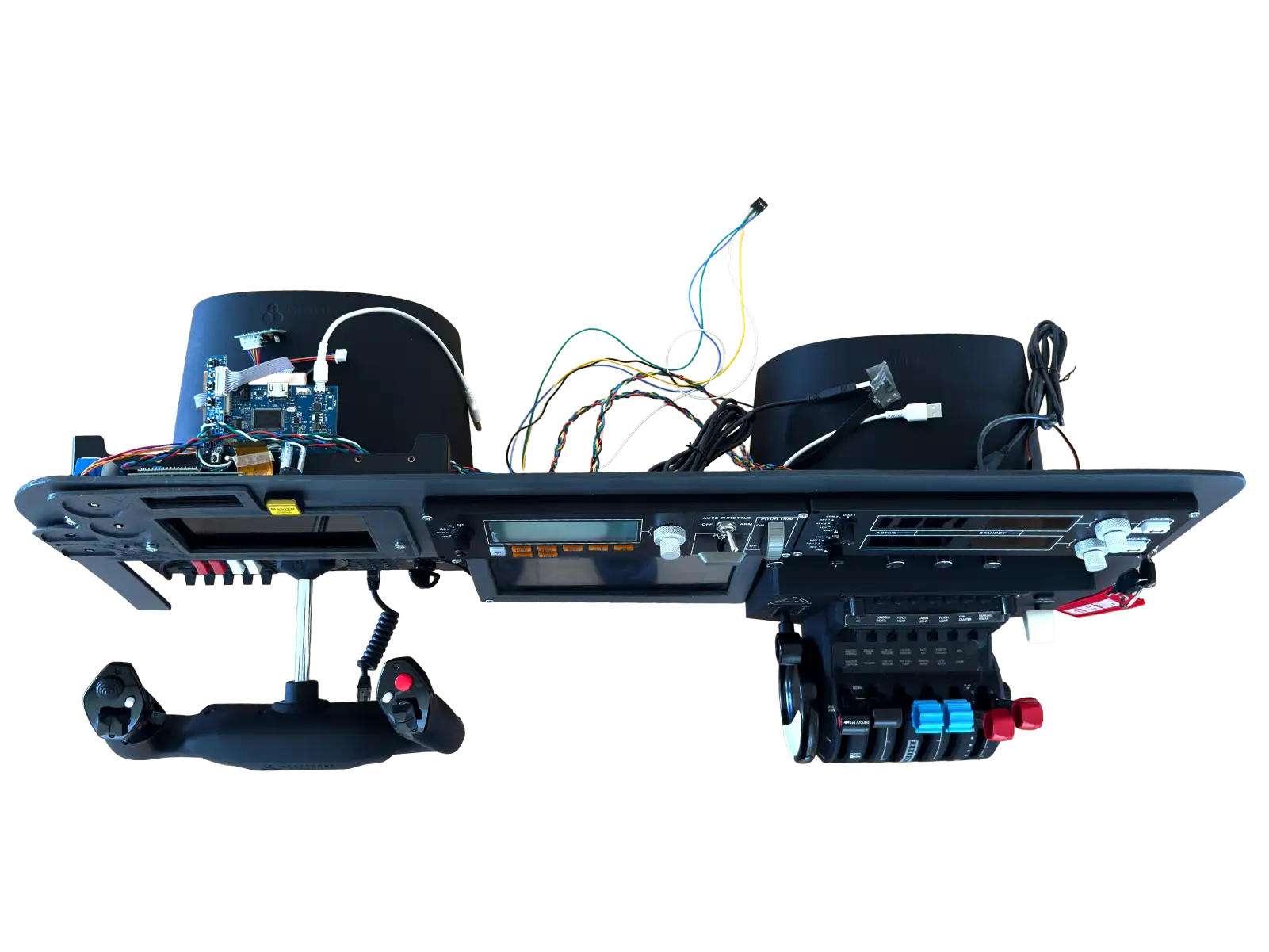
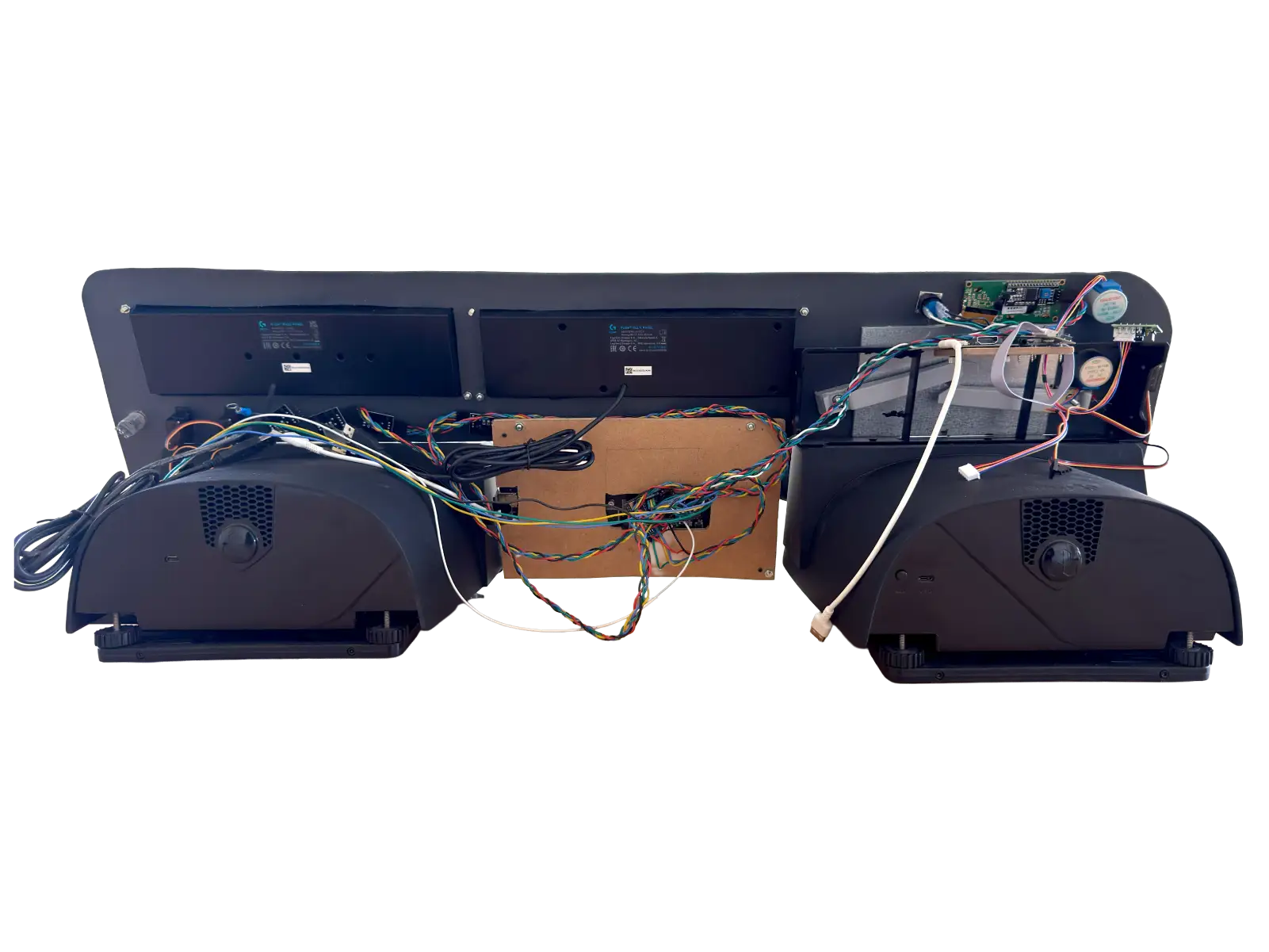
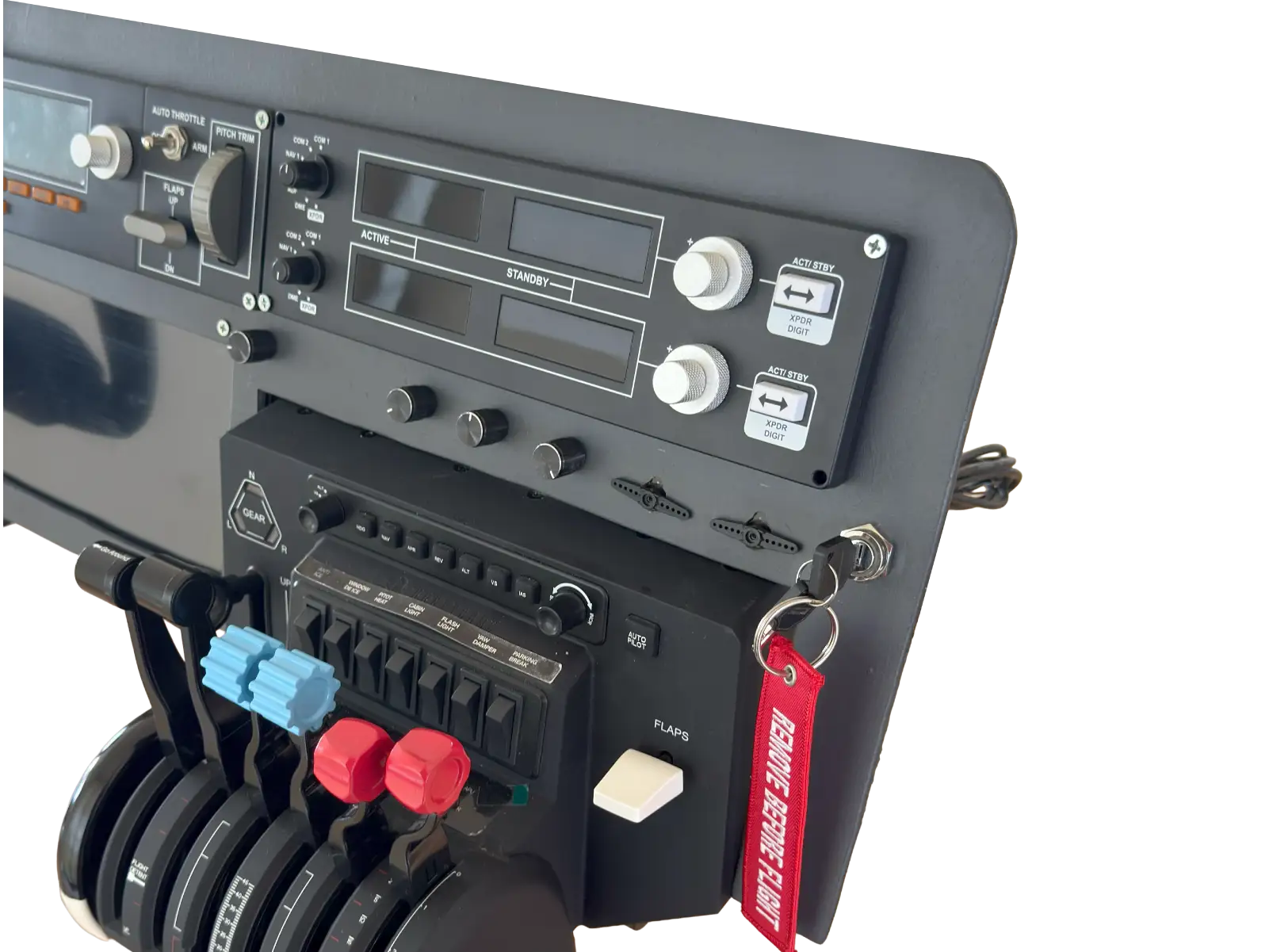
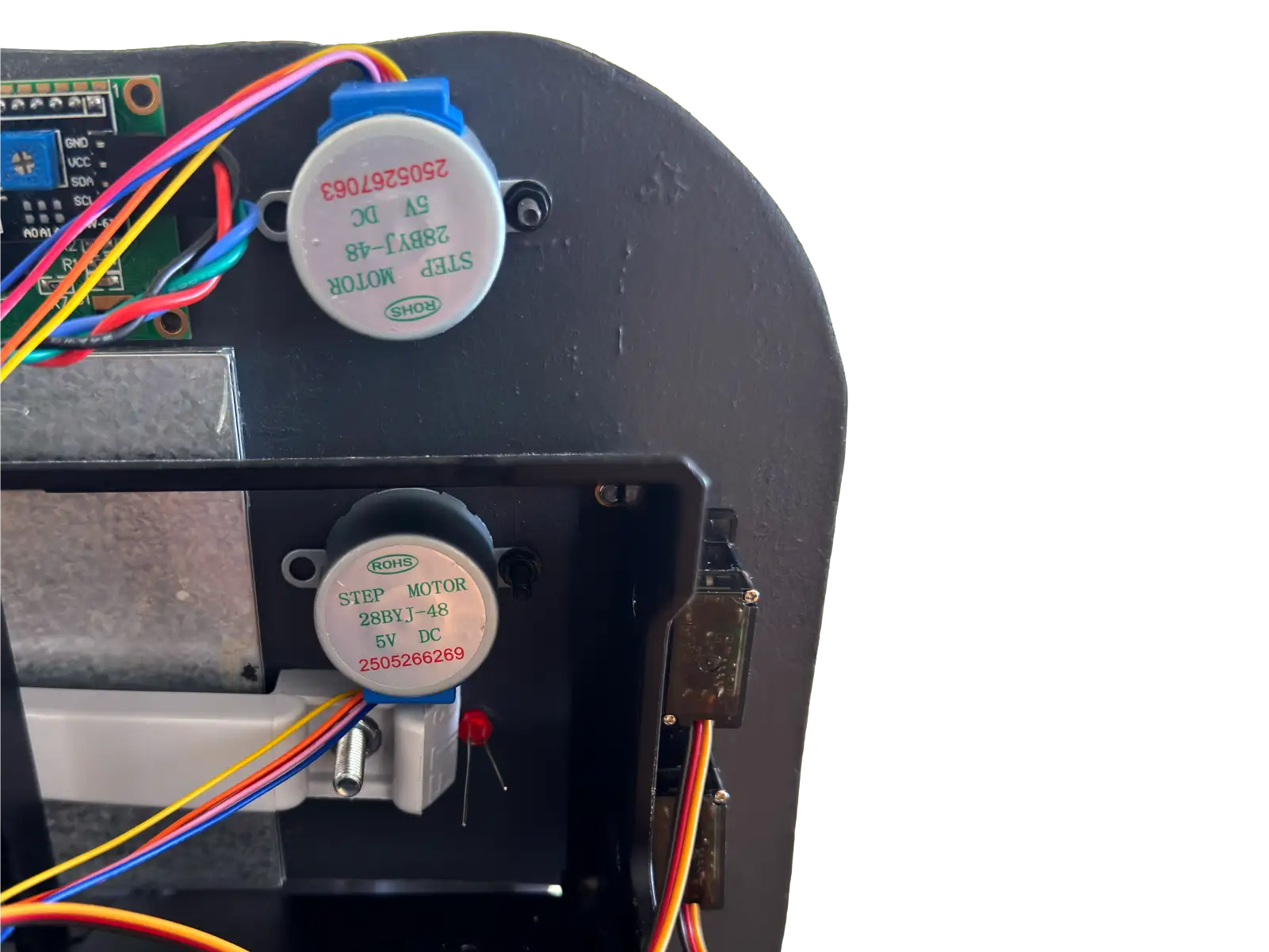
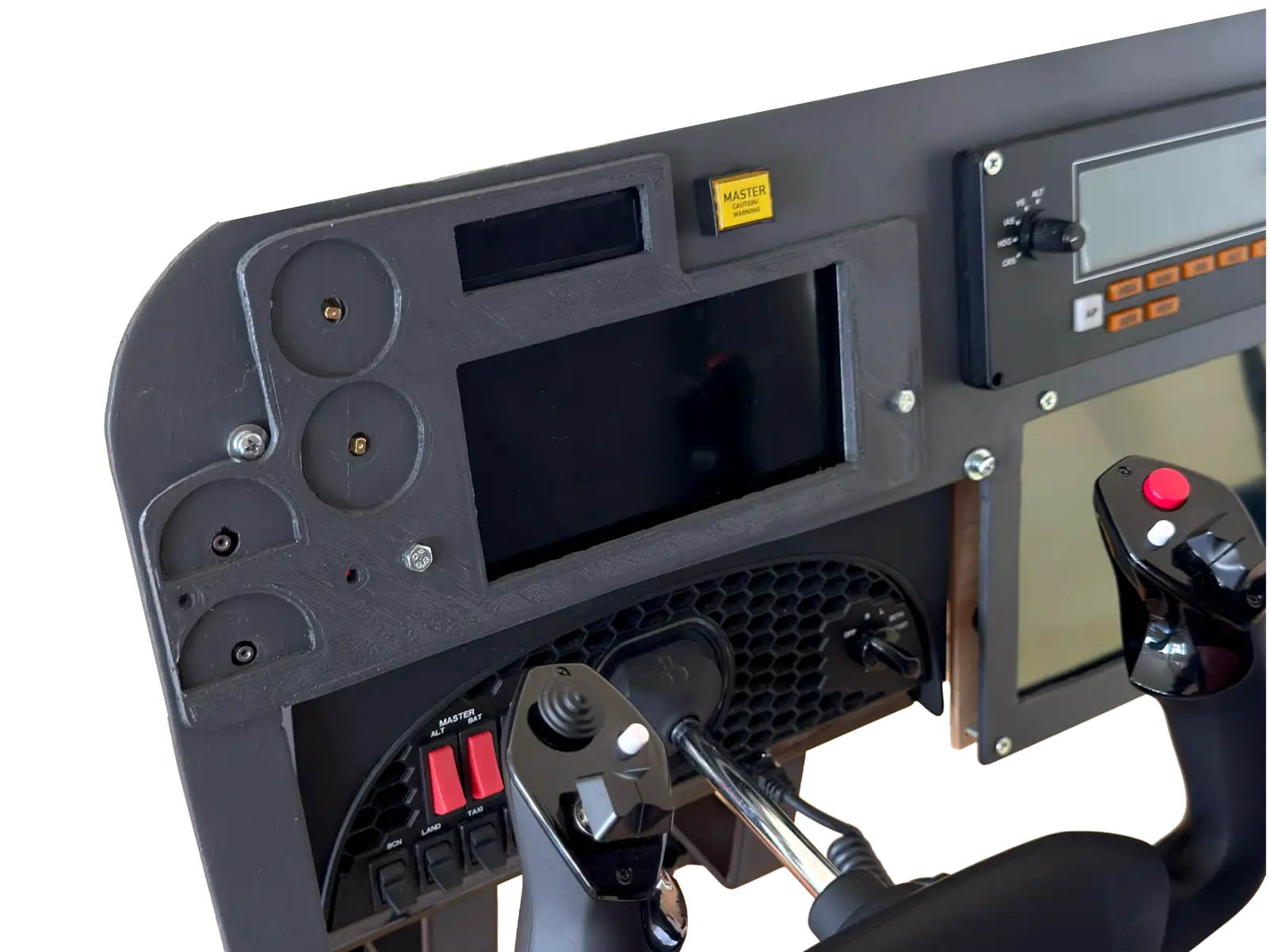
Images are shown for inspiration only. Avionics Control Buddy 11 is the breakout board, not a complete cockpit panel or finished simulator setup.
A guided start, for beginners & pros.
Open each module guide in fullscreen, zoom into the wiring details, and follow the build at your own pace. More component guides will be added over time.
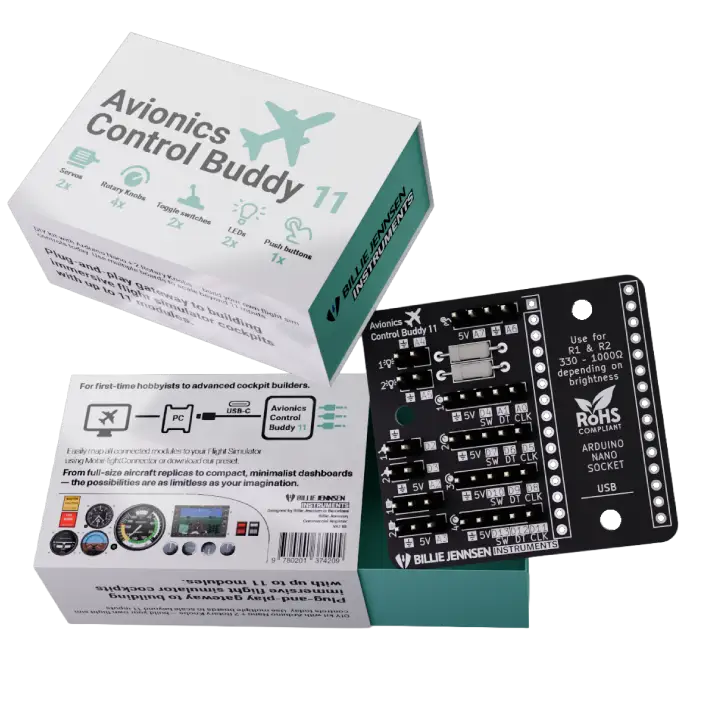
First Batch Run
Join early, keep it affordable, help shape what comes next.
This first batch focuses on the essentials so we can keep the price low, ship faster, and learn from real cockpit builders. Your feedback will help improve the next version of Avionics Control Buddy 11.
Included
- Avionics Control Buddy 11 PCB
- Header pin set
- Setup guide
- Matchbox-style collector packaging
Not Included
- Arduino Nano
- USB cable
- External modules such as switches, encoders, LEDs, servos, or wires
Avionics Control Buddy 11 works together with an Arduino Nano and the free MobiFlight software. You do not need to be an expert, but you should be ready to learn the basics of connecting wires, modules, and cockpit controls step by step.
Join first batch list.
No payment, no commitment. We'll email you when the first batch of Avionics Control Buddy 11 is ready to order.
For flight simulation and DIY hobby projects only. Avionics Control Buddy 11 is not for real-world aviation use. It is not affiliated with Microsoft, Microsoft Flight Simulator, Asobo, MobiFlight, Arduino, or any aircraft manufacturer. Microsoft Flight Simulator and related names are trademarks of their respective owners.